Technical Guide
File Formats and Delivery
Reading Time: Approx. 4 minutes
Once your recording session is complete, the way your data is delivered and managed directly impacts the final quality of your project. Especially for podcasts and commercial voice content, selecting the correct format is essential as requirements vary across different distribution platforms. This guide details the standard delivery workflow at Pipaniormanagement and our recommended file specifications to ensure your audio remains professional and versatile.
1. Standard Delivery Formats and Resolution
To maintain maximum editing flexibility and sonic integrity, our studio provides all primary deliveries in uncompressed WAV format. Our standard setting is a sampling rate of 48kHz with a bit depth of 24-bit. This is the current industry standard and is highly recommended for most broadcasting and streaming platforms.
For podcast recording, clients often request the final delivery in MP3 (128kbps to 320kbps) for immediate upload. However, we always provide the WAV master first. This ensures that if you need to re-edit the audio in the future or migrate to a higher-fidelity platform, you avoid the permanent quality loss associated with compressed formats.
2. Multitracks vs. Stereo Mixes
The files you receive from Pipaniormanagement generally fall into two categories: "Multitracks (Stems)" and "Stereo Mixes (Masters)." Understanding the difference is key to your post-production workflow.
- Multitracks: These are independent files for each microphone or instrument. They are indispensable if you need to adjust the volume of a specific voice or remove a noise artifact from a single track later.
- Stereo Mix: A final two-channel file where all tracks are blended and balanced. This is the "ready-to-use" version for your audience.
We strongly recommend maintaining both. If you plan to hire an external engineer for final polishing, providing multitracks is typically a mandatory requirement for professional results.
3. Delivery Workflow and Transfer Methods
Depending on the total data volume, we offer two primary methods for transferring your files. For clients based in Sapporo, physical media transfer is often the most efficient route for large-scale projects.
| Method | Best For | Characteristics |
|---|---|---|
| Cloud Storage | Small to medium files | Rapid sharing via secure download links. |
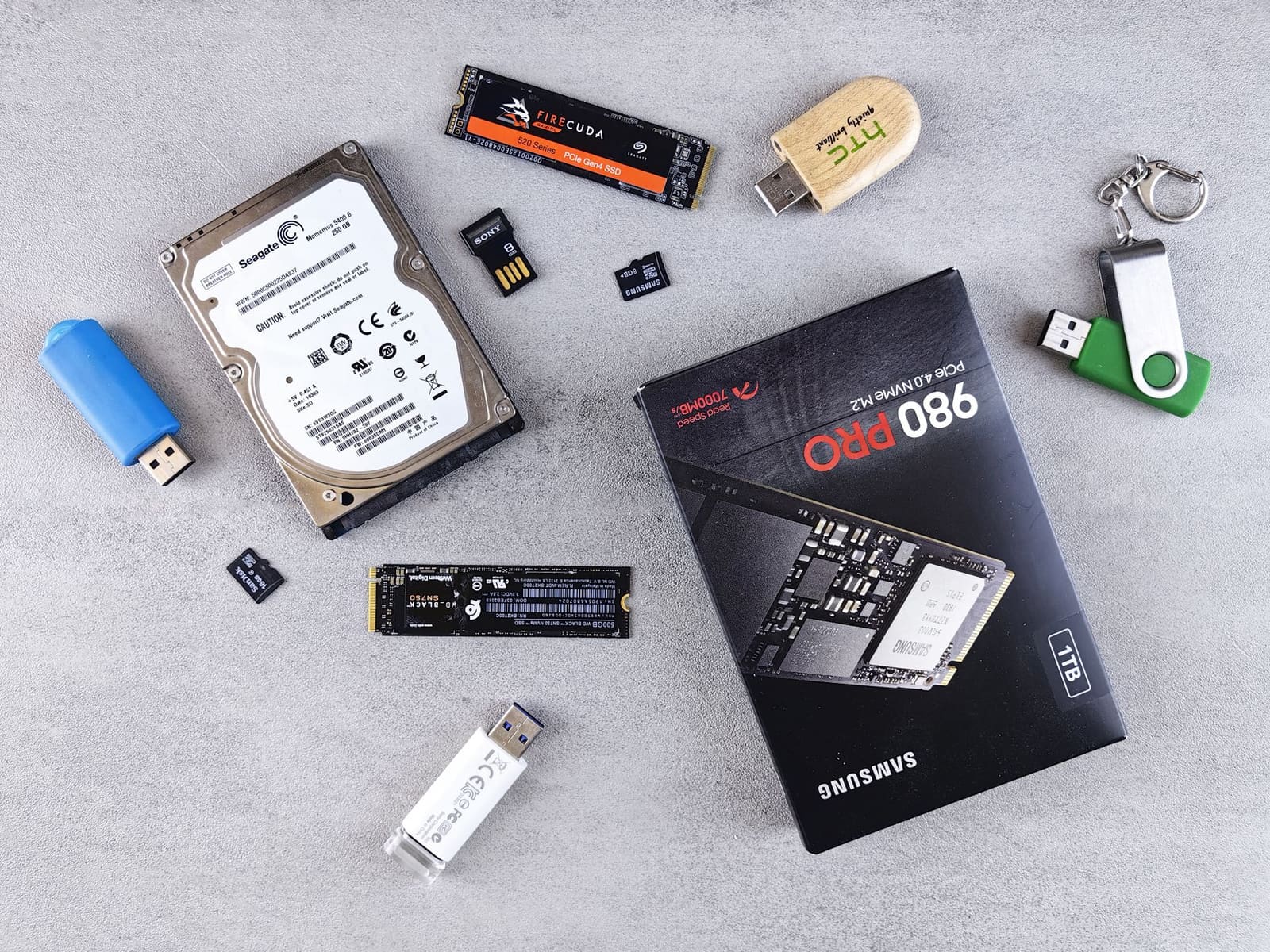
| Physical Media (SSD/HDD) | Large multitrack sessions | Eliminates upload time and provides a physical backup. |
4. Archive Storage and Data Retention Policy
We understand that data loss can be catastrophic for a creative project. Therefore, Pipaniormanagement retains session data for a set period after delivery. According to our business rules, the archive retention period is 12 months.
Within this window, we can resend files should you lose your local copies. However, once 12 months have passed, data is permanently erased from our servers for security and storage management reasons. We urge all clients to create double or triple backups on their own external storage devices immediately upon receipt.
5. Specific Delivery Requirements for Podcasts
Podcast production involves more than just recording; it requires "Loudness Normalization." Different platforms have different LUFS (Loudness Units relative to Full Scale) standards. Our studio adjusts your files to meet these industry benchmarks to ensure your listeners don't have to constantly adjust their volume.
We can also deliver files with integrated intros, outros, and background music. If you have a specific structural plan, sharing it with us in advance allows for a seamless export process. For more details on our specific recording packages, please visit our Podcast Recording page.
6. Pre-Delivery Checklist
To ensure a smooth hand-off, we recommend confirming the following points before the final export:
- Have you specified the required delivery format (WAV or MP3)?
- Is the sampling rate (44.1kHz or 48kHz) appropriate for your target platform?
- Do you require full multitracks or is a stereo mix sufficient?
- Do you have a preferred naming convention (e.g., Date_Project_Version1)?
- Have you decided on the transfer method (Cloud or SSD)?
7. Physical Data Transfer in Sapporo
Located in the Chuo-ku district of Sapporo, our studio welcomes physical data transfers. When dealing with massive multitrack sessions that would take hours to upload, bringing your own high-speed SSD to our workstation is the most reliable method. This eliminates the risk of transfer errors and allows you to begin editing immediately.
If you choose to use physical media, please ensure it is formatted as exFAT. This ensures the drive is readable and writable on both macOS and Windows systems, preventing compatibility issues during the copy process.
If you have specific requests regarding file formats or unique delivery requirements, please contact our engineers. We are happy to suggest the optimal settings for your specific project.